Practical PDF guide · Windows
How to make a scanned PDF searchable with local OCR
A scanned page can look like ordinary text while behaving like a photograph. Find may return no matches because the PDF has no searchable text layer. Optical character recognition, or OCR, can add recognized text so you can find words in the document. Here is the PageDesk workflow.
By Pathwork Solutions LLC · Updated October 26, 2026
Follow the workflow
Check whether the PDF already has text
Open the PDF and try finding a word that clearly appears on the page. A failed search does not always mean OCR is needed: spelling, orientation and the original PDF can also affect the result.
Choose the pages to recognize
Use the page overview to select the scanned pages. Start with a short sample so you can review recognition quality before processing a larger packet.
Run local recognition
Choose Make selected pages searchable and select the appropriate language. PageDesk offers English, Spanish or English + Spanish. Wait for recognition to finish before continuing.
Search for a known word
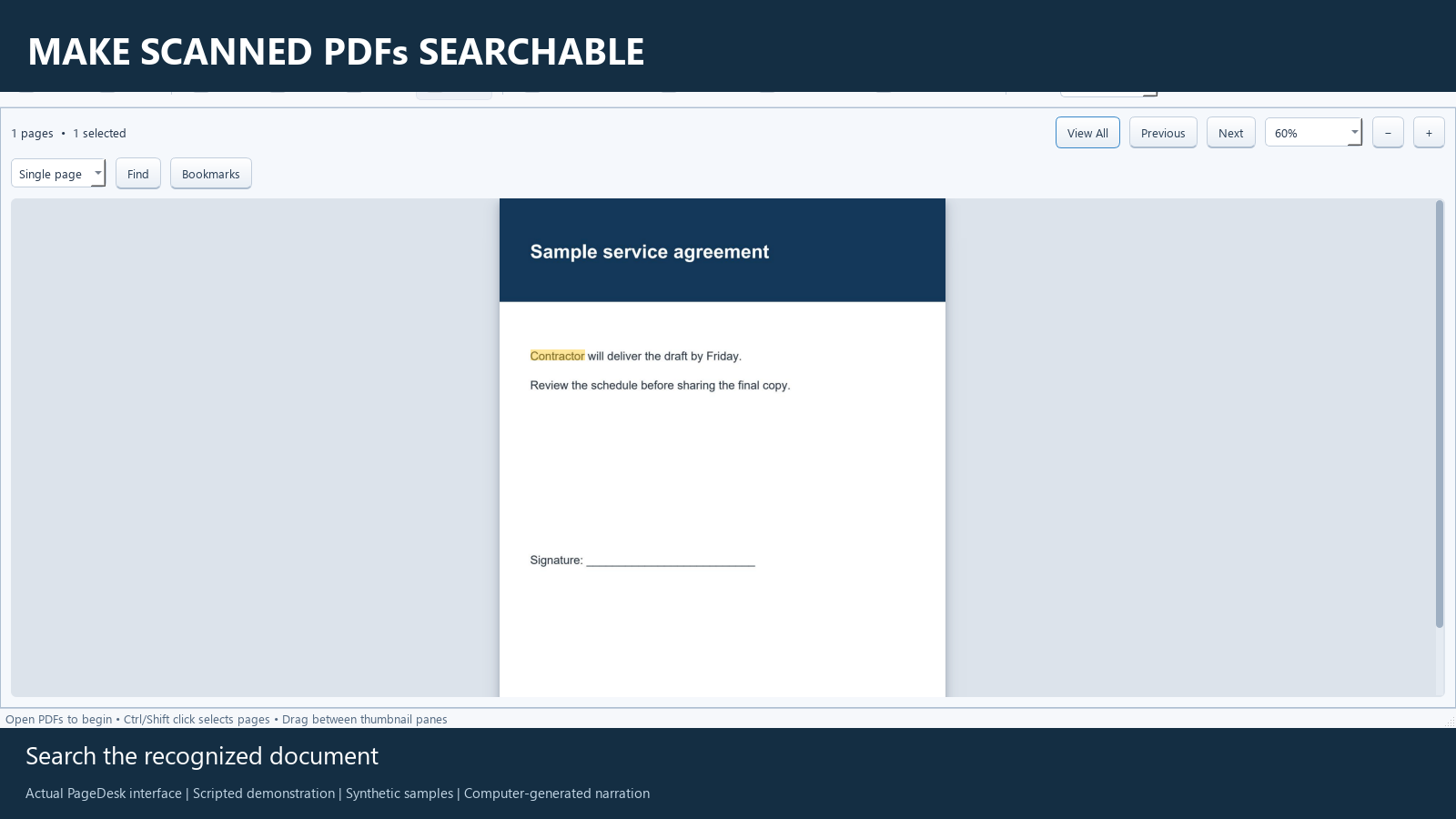
Find a distinctive word from the page and check that the match is in the right place. Review important names, amounts and dates visually. OCR can make mistakes.
Save a separate searchable copy
Save with a new filename. Reopen it and search for the same word again. Keep the original scan for comparison.
Check the result
The narrated demo starts with an image-only sample. After recognition, Contractor is searchable. The saved PDF is reopened and searched again to check that the recognized text was retained.
Know the limits
Crooked pages, faint text, handwriting and unusual layouts can reduce accuracy. Searchable text does not guarantee an accessible reading order or editable original typography. Files placed in cloud-synced folders still follow that provider's settings, even though PageDesk's PDF processing and OCR run locally.
Common questions
Does OCR upload the scan for recognition?
PageDesk uses a local recognition engine on your computer. Your folder or backup service may separately sync files according to its settings.
Does OCR rewrite the original paragraph?
No. It adds recognized text for searching and selection. It is not a promise of font-matched editing of the original document.
Use PageDesk for this workflow
PageDesk is a Windows PDF workspace for reading, organizing and marking up documents. It is $49.99 USD for one user, paid once for this release.
Windows 11 x64 tested. Installer is unsigned. No free trial is offered. Review the 30-day refund policy and license terms.