PageDesk demo: read, compare and organize PDFs on Windows
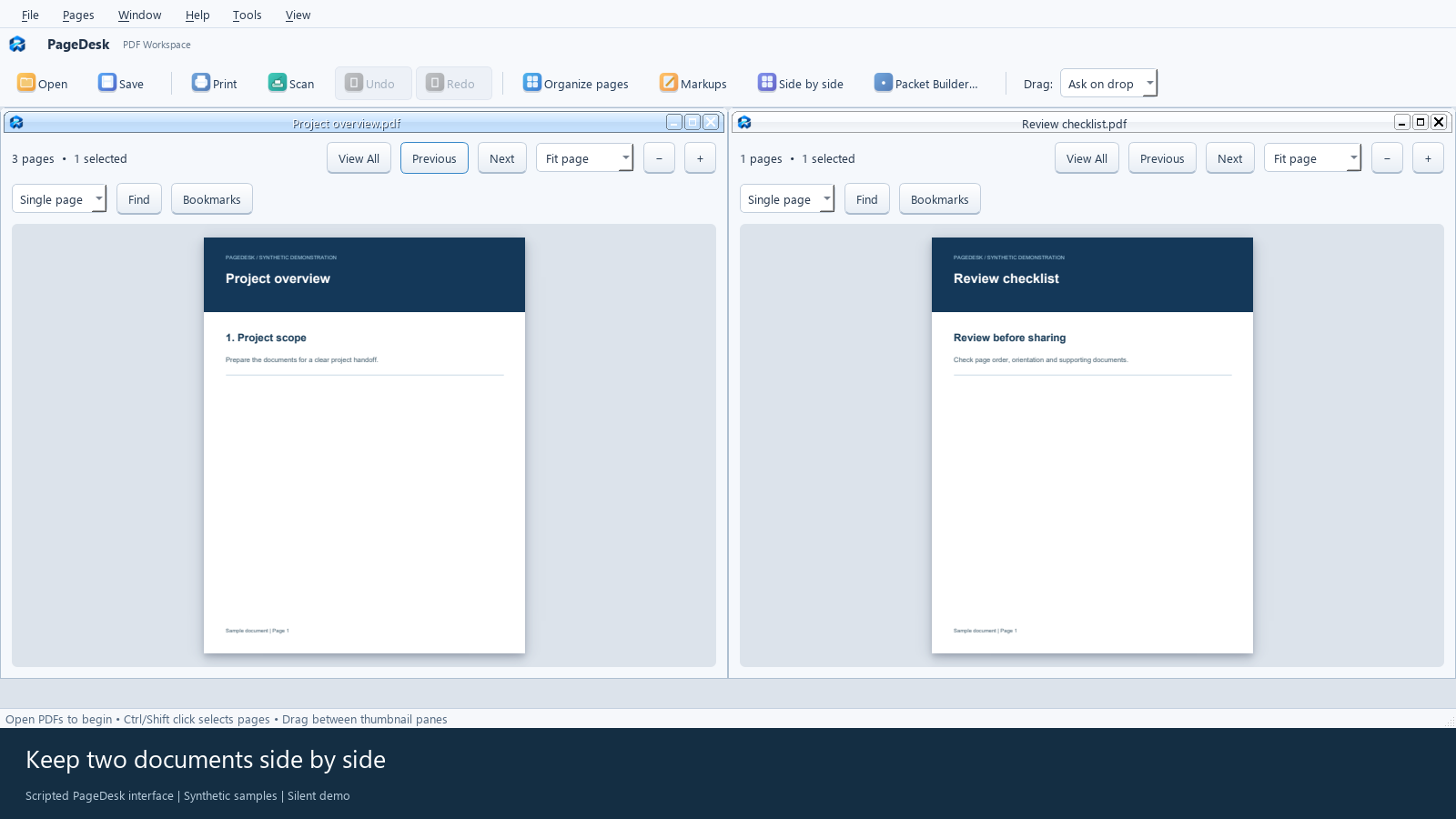
Watch PageDesk open PDFs, show documents side by side, combine pages, save a finished copy and reopen it. A 43-second Windows PDF workflow.
43 seconds · Spoken guidance · English captionsSee PageDesk at work
Watch the actual PageDesk interface using synthetic sample documents. All seven videos include spoken English guidance, captions, transcripts and written steps.
Watch PageDesk open PDFs, show documents side by side, combine pages, save a finished copy and reopen it. A 43-second Windows PDF workflow.
43 seconds · Spoken guidance · English captions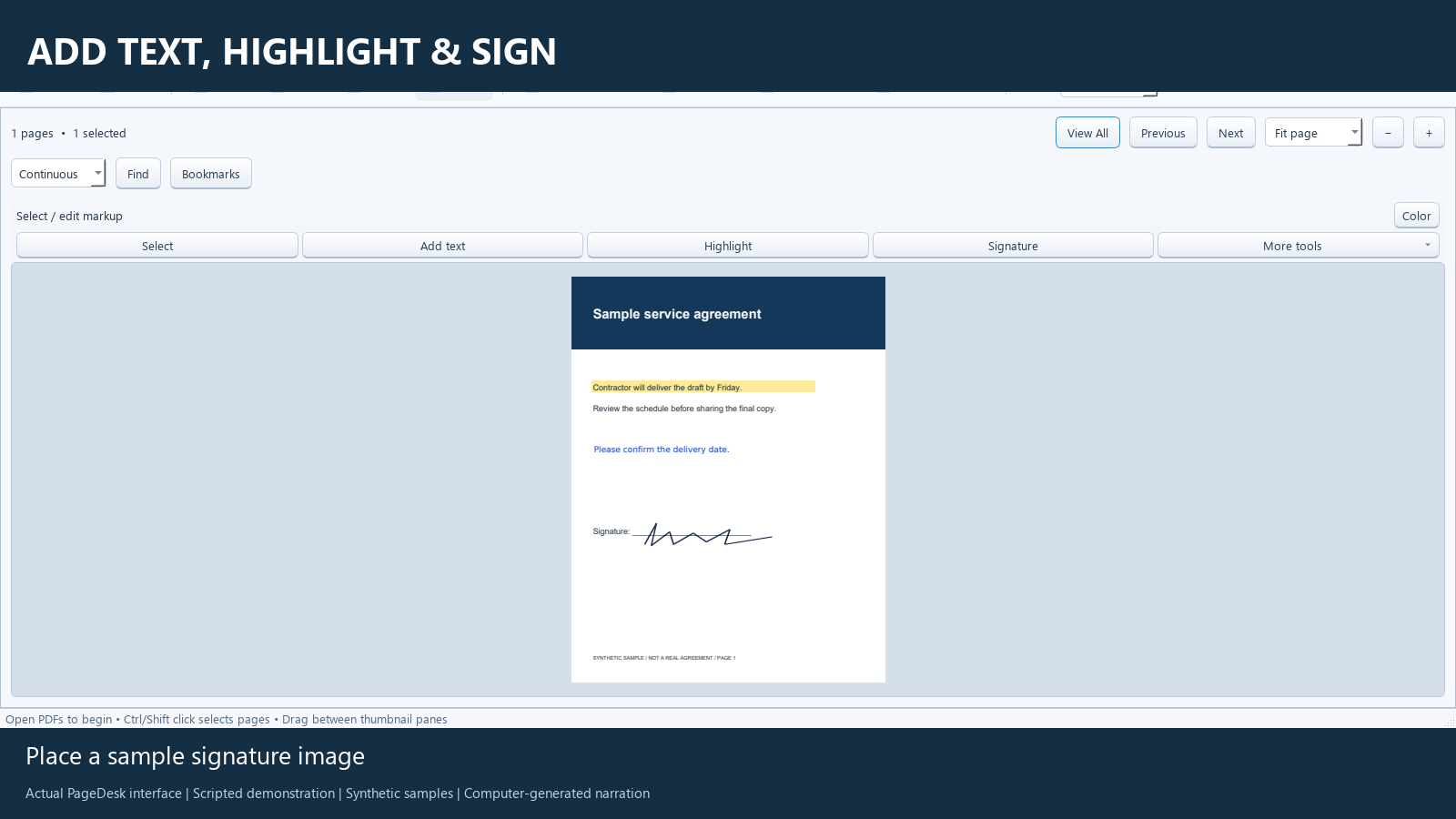
Add a review comment, highlight a detail, place a sample signature image, then save and reopen a reviewed PDF.
62 seconds · Spoken guidance · English captions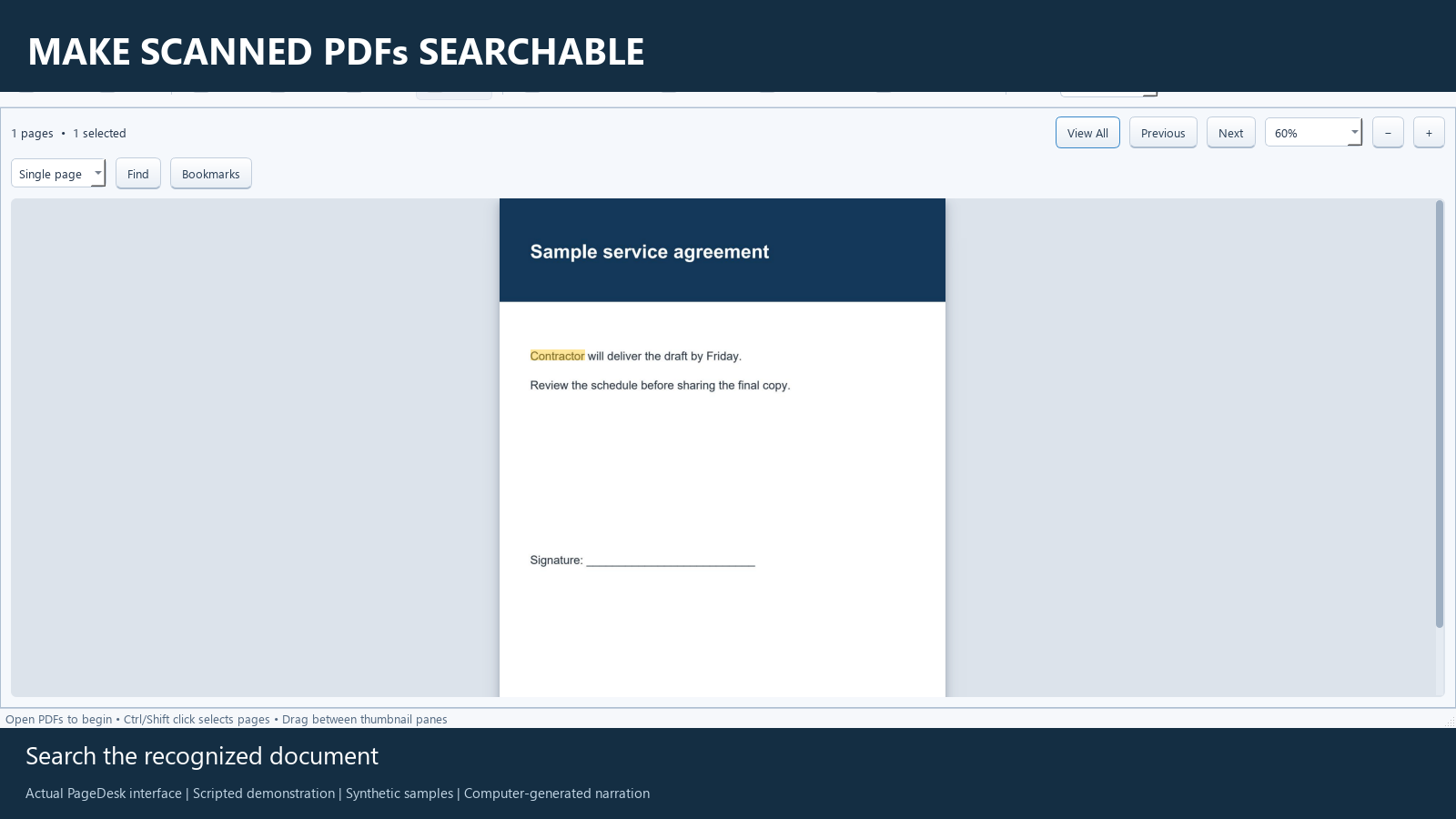
Turn an image-only PDF into a searchable document with local OCR, then save and verify the recognized text.
47 seconds · Spoken guidance · English captions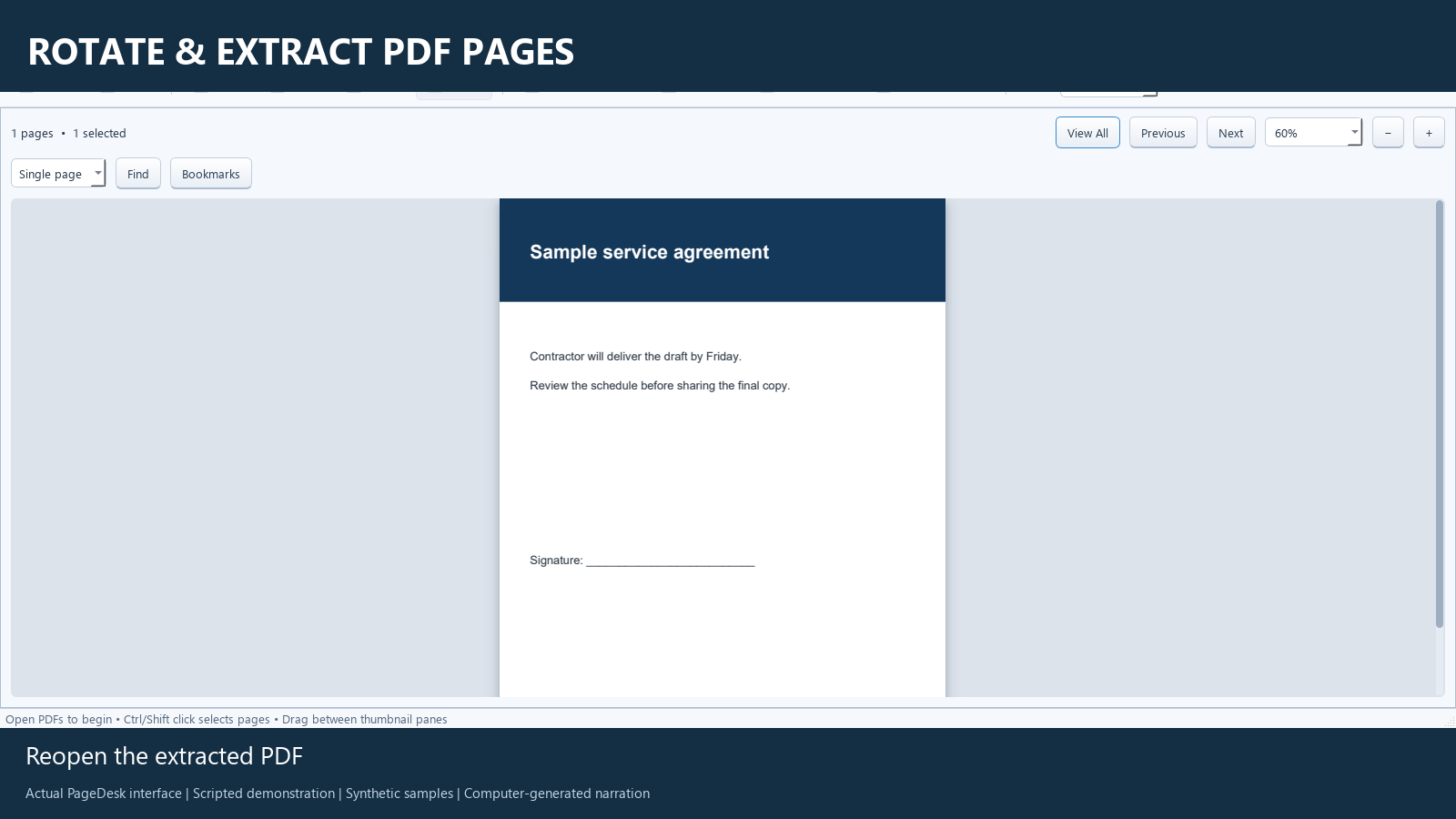
Correct a sideways page, undo and redo a change, and extract one page into a separate PDF without removing it from the original.
47 seconds · Spoken guidance · English captions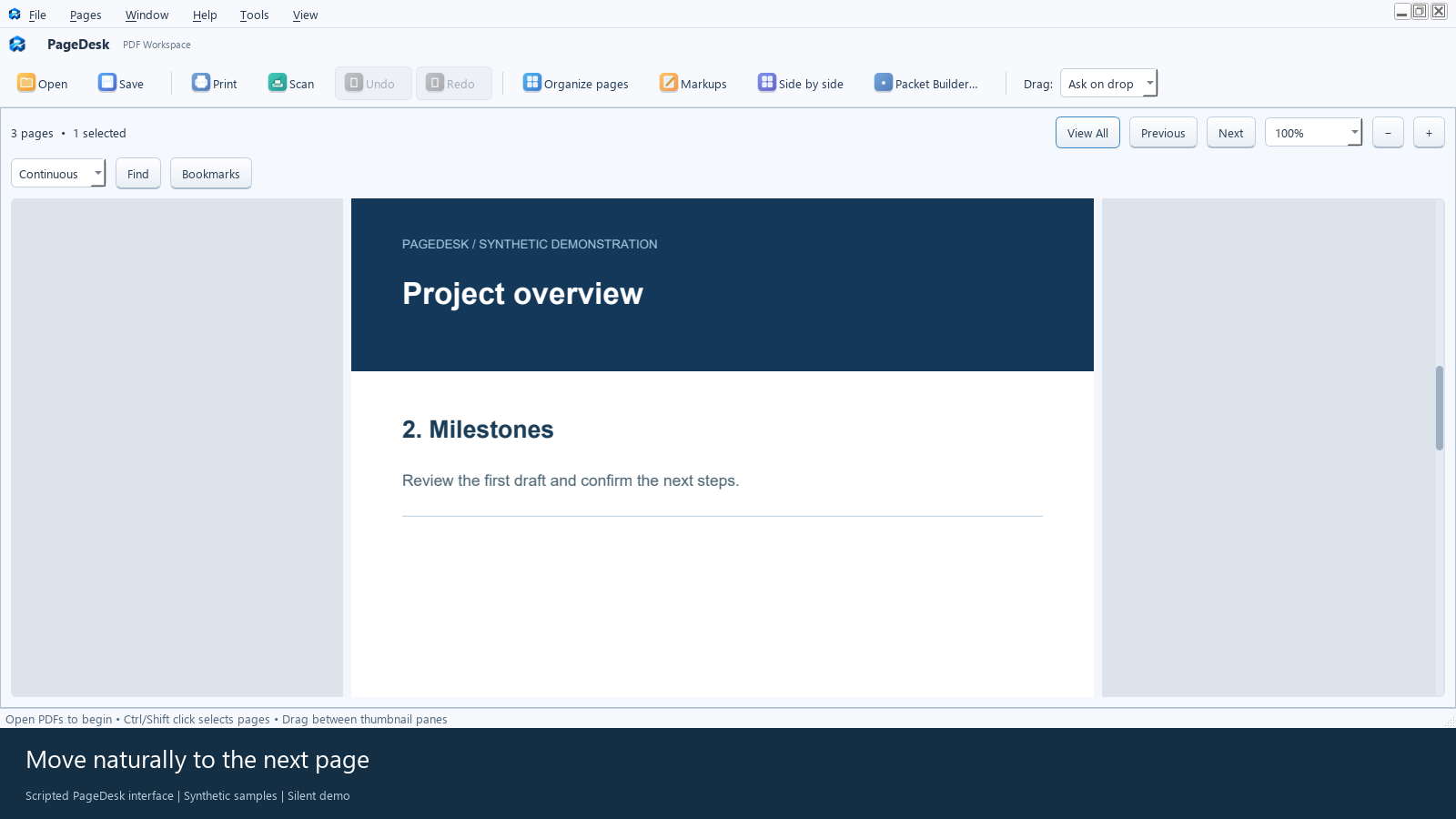
See PageDesk open a multipage PDF, move between pages and fit a page to the viewer. A short Windows PDF reading demonstration.
18 seconds · Spoken guidance · English captions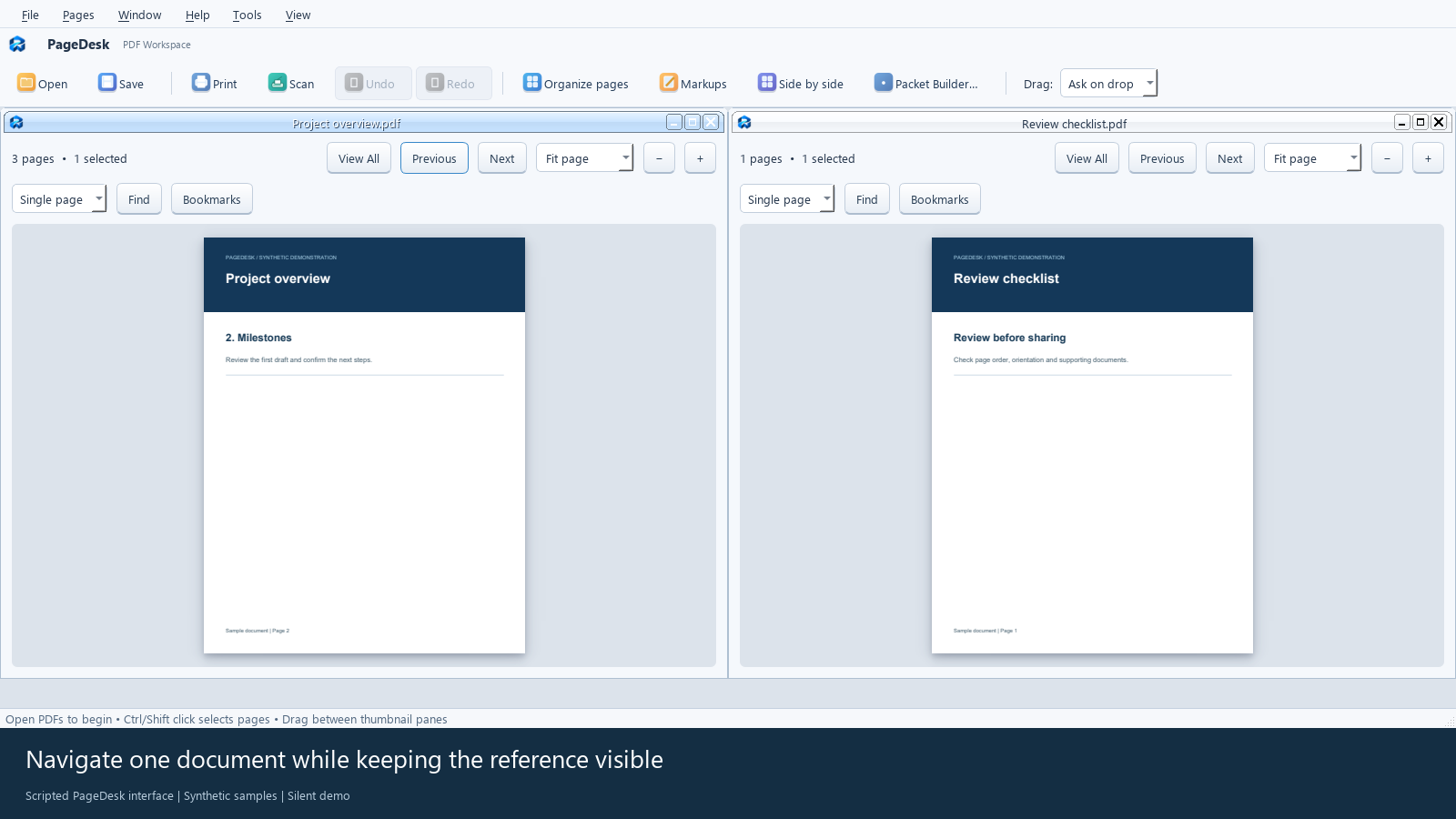
Keep a project document beside a reference checklist in PageDesk. Watch two PDFs in the same Windows workspace with independent page navigation.
22 seconds · Spoken guidance · English captions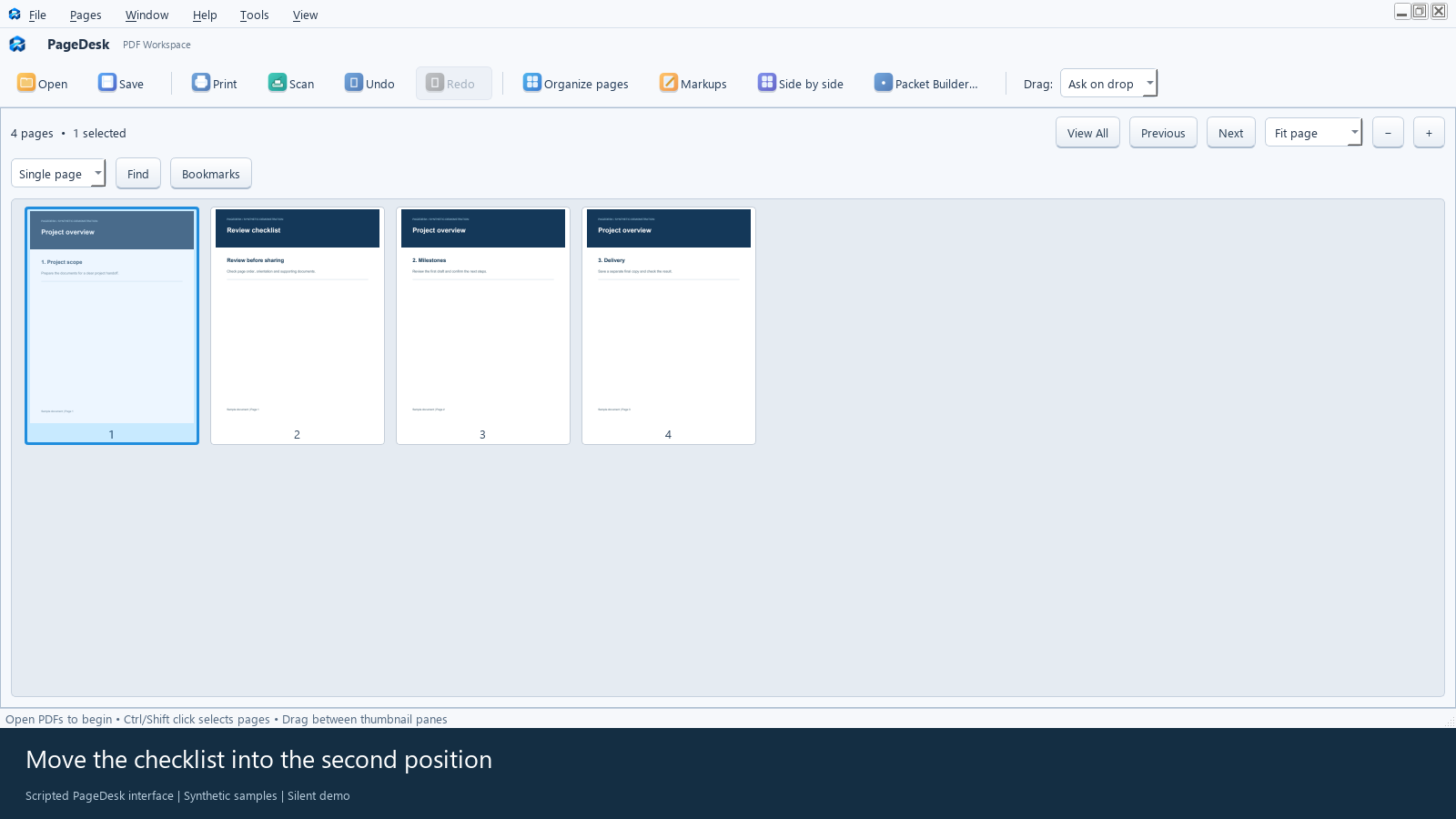
Copy a checklist page into a project PDF, reorder it, save a separate four-page PDF and reopen the result in PageDesk for Windows.
33 seconds · Spoken guidance · English captions